Introduction
India has over 12 million kirana stores - the backbone of retail in the country. From busy urban neighborhoods to small villages, kirana stores serve millions of customers daily. As competition increases and customers expect faster service, having a proper billing machine has become essential.
But what exactly is a kirana billing machine? What are your options? Do you need expensive hardware, or can your smartphone do the job? This guide answers all your questions about billing machines for kirana stores in India.
What is a Kirana Billing Machine?
A kirana billing machine is a device or system used to:
- Create bills/invoices for customers
- Calculate totals with GST automatically
- Track inventory and stock levels
- Record daily sales and expenses
- Manage customer credit (udhar/khata)
- Generate reports for business insights
Types of Billing Machines
- Traditional POS Machines - Dedicated hardware with built-in software
- Computer-based Systems - Desktop/laptop with billing software
- Android POS Devices - Touchscreen devices running billing apps
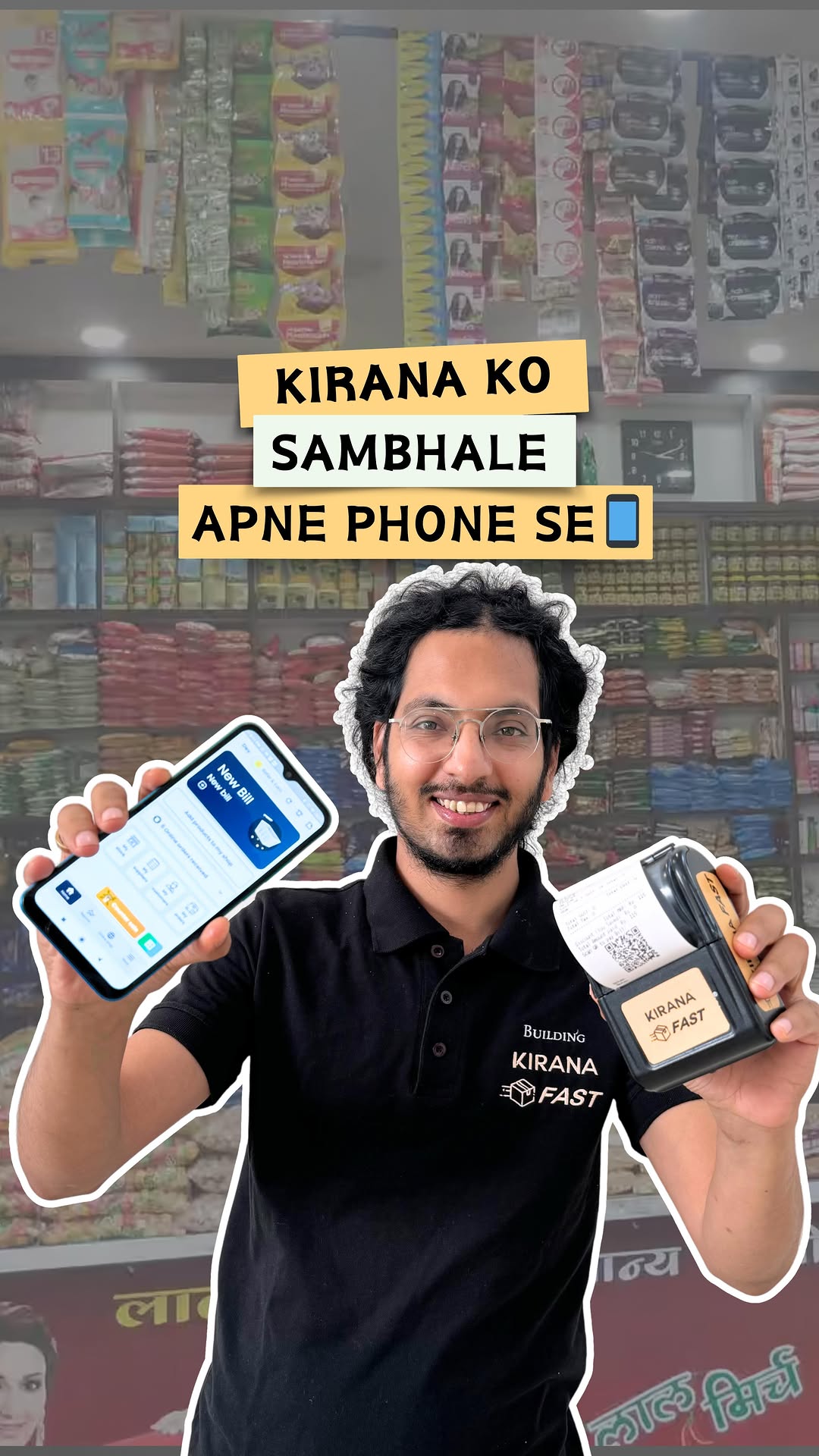
- Smartphone/Tablet Solutions - Mobile apps like BillingFast
Traditional Billing Machine vs Modern Solutions
Traditional Billing Machines
What they are: Standalone devices with built-in displays, printers, and cash drawers.
Examples: TVS, WeP, Balaji billing machines
Cons:
- Expensive (₹15,000-50,000)
- Limited features
- No remote access
- Outdated technology
- Difficult to update
Modern Smartphone-Based Solutions
What they are: Billing software apps that run on your existing smartphone or tablet.
Example: BillingFast
Pros:
- Much cheaper (subscription from ₹299/month)
- Powerful features
- Remote access from anywhere
- Regular updates
- Works on devices you already own
- Cloud backup
Hardware Options for Kirana Stores
Option 1: Smartphone Only (Lowest Cost)
What you need:
- Android phone (any smartphone works)
- BillingFast app (free trial)
Cost: ₹0 (use existing phone)
How it works:
- Create bills on phone
- Share bills via WhatsApp
- Show QR code for UPI payments
- Print later if needed
Best for: Very small shops, starting out, low budget
Option 2: Smartphone + Bluetooth Printer
What you need:
- Android phone
- BillingFast app
- Bluetooth thermal printer
Cost: ₹2,500-5,000
Best for: Small kirana stores wanting printed receipts
Option 3: Tablet + Printer (Recommended)
What you need:
- Android tablet (8-10 inch)
- BillingFast app
- USB/Bluetooth thermal printer
Cost: ₹12,000-20,000
Best for: Medium kirana stores, busy shops
Option 4: Full POS Setup (Complete Solution)
What you need:
- BillingFast software
- Tablet/Touch screen monitor
- Barcode scanner
- Thermal printer
- Cash drawer
Cost: ₹20,000-35,000
Best for: Busy kirana stores, supermarkets, multiple staff
BillingFast - The Smart Choice for Kirana Stores
BillingFast is India's leading billing app designed specifically for kirana stores and small retailers.
Why Kirana Owners Choose BillingFast
1. Free Trial to Start
- Experience all features
- Upgrade only when needed
2. Works on Any Device
- Use your existing phone
- No special hardware needed
3. Perfect for Kirana Needs
- Quick billing with product search
- Udhar/khata management
- Stock tracking
- GST-compliant bills
- WhatsApp bill sharing
4. Simple to Use
- Hindi and English support
- No training needed
- Start within minutes
BillingFast Features for Kirana Stores
| Feature | Description |
|---|---|
| Quick Billing | Find products fast, create bills in seconds |
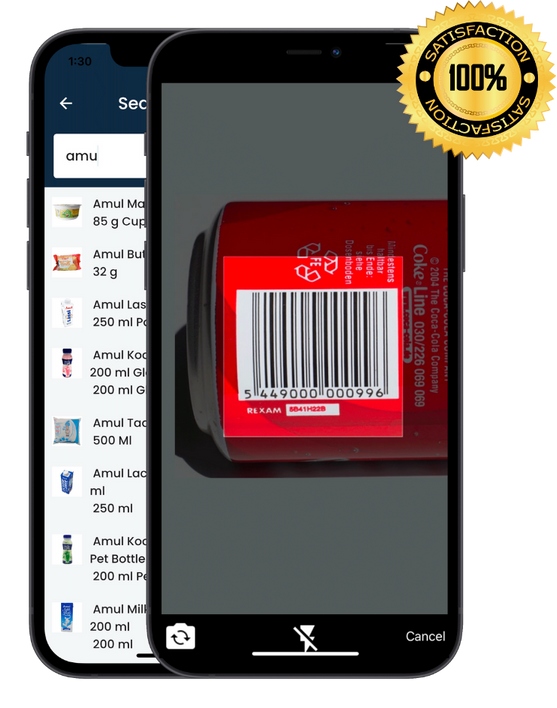
| Barcode Support | Scan products for instant billing |
| Inventory Tracking | Know your stock, get low stock alerts |
| Customer Khata | Track customer dues and payments |
| GST Invoices | Automatic tax calculation |
| WhatsApp Sharing | Send bills directly to customers |
| QR Payments | Instant UPI payment collection |
| Reports | Daily sales, profit, stock reports |
| Multi-Device | Use on phone, tablet, computer |
Software vs Hardware: What Should You Invest In?
The Smart Approach
Invest more in software, less in hardware.
Here's why:
| Investment | Traditional | Smart Approach |
|---|---|---|
| Hardware | ₹25,000 | ₹5,000-15,000 |
| Software | ₹0-2,000/year | ₹3,588-9,999/year |
| Features | Basic | Advanced |
| Updates | Rare/Paid | Regular/Free |
| Support | Limited | 24/7 |
| Total 3-Year | ₹30,000+ | ₹15,000-25,000 |
Recommended Budget Allocation
Small Kirana (Budget: ₹5,000)
- Phone (existing): ₹0
- Bluetooth printer: ₹3,000
- BillingFast Lite: ₹3,588/year
- Total: ~₹6,500
Medium Kirana (Budget: ₹15,000)
- Tablet: ₹10,000
- Printer: ₹4,000
- BillingFast Premium: ₹7,000/year
- Total: ~₹21,000
Busy Kirana (Budget: ₹25,000)
- Tablet: ₹12,000
- Printer: ₹4,000
- Barcode scanner: ₹2,000
- Cash drawer: ₹3,000
- BillingFast Ultra: ₹9,999/year
- Total: ~₹31,000
Setting Up Your Kirana Billing System
Step 1: Download BillingFast
- Get it from Play Store or App Store
- Register with your phone number
- Add your shop name and details
Step 2: Add Your Products
- Add items manually (name, price, stock)
- Or import from Excel
- Set GST rates if needed
Step 3: Connect Printer (Optional)
- Pair Bluetooth printer with phone
- Configure in BillingFast settings
- Test print
Step 4: Start Billing
- Search or scan products
- Collect payment
- Print or share receipt
Step 5: Track Business
- Check daily sales
- Monitor inventory
- Review customer dues
Common Questions About Kirana Billing Machines
Do I need a billing machine for my kirana store?
While not legally required, a billing system helps you:
- Serve customers faster
- Track inventory accurately
- Manage credit customers
- Understand your business through reports
- Maintain GST compliance
Can I use my phone as a billing machine?
Yes! BillingFast works on any Android or iOS smartphone. You can create professional bills, track inventory, and manage your business - all from your phone.
How much does a kirana billing machine cost?
Options range from trial (using existing phone with BillingFast) to ₹50,000+ (dedicated POS hardware). Most kirana stores can get a complete solution for ₹5,000-15,000.
Is BillingFast free?
BillingFast offers a free trial. Subscription plans: Lite ₹3,588/year, Premium ₹7,000/year, Ultra ₹9,999/year.
Can I track customer udhar (credit) in BillingFast?
Yes, BillingFast has built-in khata/udhar management. You can:
- Track dues for each customer
- Record partial payments
- Send payment reminders via WhatsApp
- View pending amounts easily
Can I print receipts?
Yes, BillingFast supports:
- Bluetooth thermal printers (portable)
- USB thermal printers
- Network printers
- Or share bills via WhatsApp (paperless)
Conclusion
Gone are the days when kirana stores needed expensive, bulky billing machines. Today, your smartphone combined with BillingFast can be a powerful billing solution that's:
- Affordable - subscription plans to fit any budget
- Easy to use - no training needed
- Powerful - inventory, billing, reports, everything
- Mobile - run your business from anywhere
- Modern - QR payments, WhatsApp sharing
Start with what you have. Use your existing phone with BillingFast. Add a small printer when needed. Grow your setup as your business grows.
Ready to modernize your kirana store?
Download BillingFast now - India's #1 billing app for kirana stores.
Free trial available. In Hindi and English.